
Master AI Tools for MMO: From Workflows to a Content Factory
Turn a pile of disconnected AI tools into a content production factory. Put the Picsart workflows and AI Dễ Ẹc sold in the store to proper use.
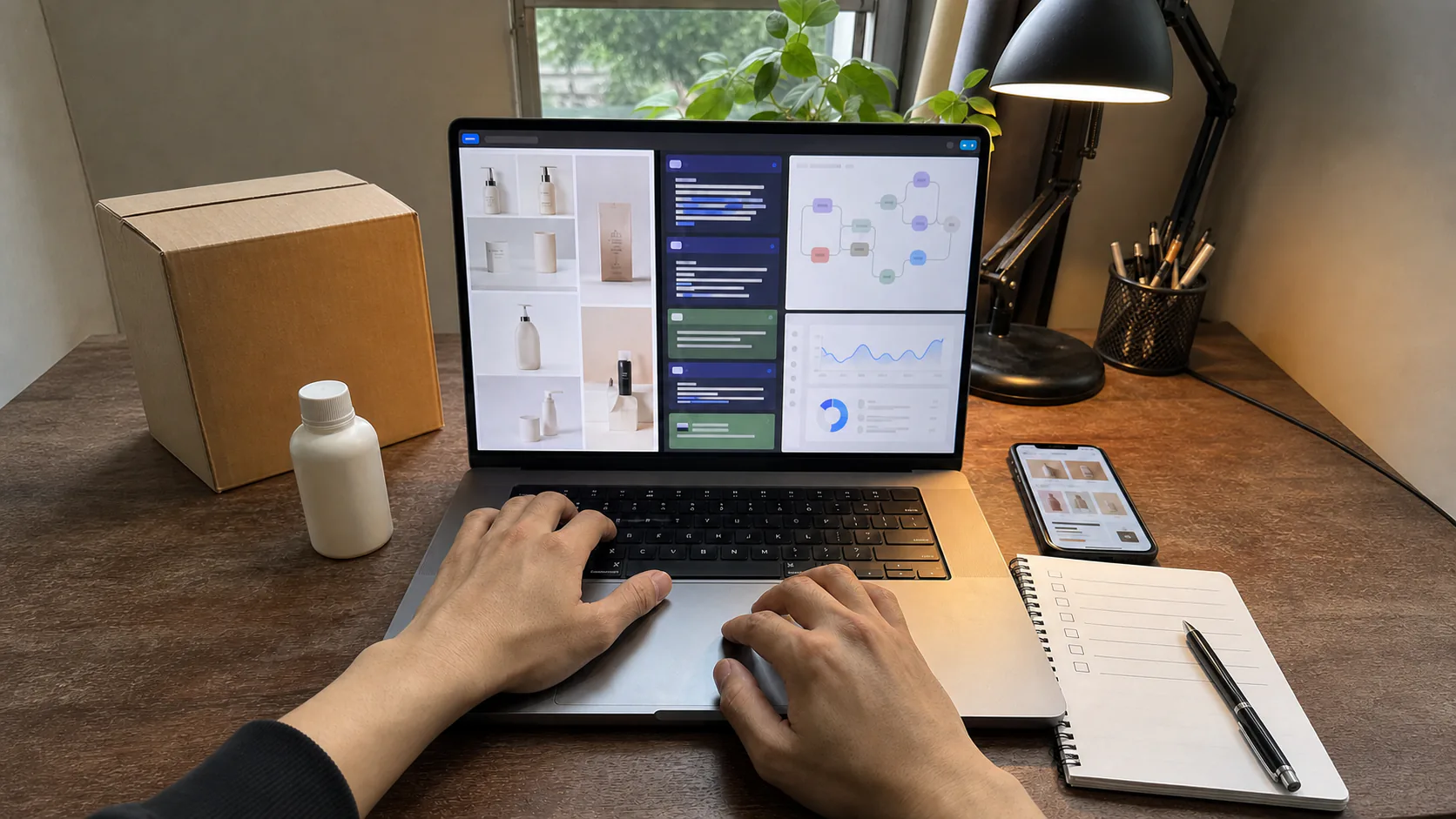
Learn to get real work done
Leave the course with a product of your own
Every theory section comes with a result you can check. You know who the course is for, what to prepare and which product you will finish.
This course suits you if
- Affiliate marketers or channel managers who need a steady photo and video production process
- People using several disconnected AI tools who want to link them into one repeatable workflow
- Small sellers who want to standardize visuals, characters and tone of voice for a content channel
What you need to prepare
- Know how to handle photo files, video files and folders on a computer
- Have lawfully sourced product photos to practice with, and the right to use those input assets
- Be able to sign up for the tools shown; some advanced features may require a paid plan
What you build with your own hands
A Consistent Review Photo Set
Create a photo set with the same niche, lighting and character using the right Picsart workflow.
A Short Affiliate Video Series
Turn product photos into videos with captions, narration and different test versions.
A 7-Day Content Production Schedule
Organize file names, tags, cost metrics and batch steps so you can reuse them every week.
About
What does this course teach?
Roadmap
6 modules, from the basics to a working product
23 lessonsModule 1 — Choose Tools, Drop Tools
1 session- The 2026 AI tool map: which ones make money and which are just for fun
- Pick your niche first, pick tools second
- Calculating the cost per photo and per video
Outcome: A lean toolset with only what you use every day.
Module 2 — Mastering the Picsart Workflows
3 sessions- How the workflows work and where it's safe to edit them
- Phone cases: mirror-finish gloss and flexible-plastic reflections
- Women's fashion with the face covered: fabric folds and artistic face concealment
- Kids' models and mom-holding-baby shots: keeping facial proportions right
Outcome: Review photos that fit your niche, with consistent quality.
Module 3 — A Consistent Character, a Branded Channel
2 sessions- Why a channel doesn't grow when the face keeps changing
- Locking the face and the character's identity kit
- A reusable set of backdrops: cafe, studio, street walks
- Source photo library: selecting and preparing your inputs
Outcome: 1 character that keeps the same face across hundreds of photos.
Module 4 — Turning Photos Into Videos With AI Dễ Ẹc
3 sessions- From 1 product photo to a 5-minute review video
- Choosing trending templates for your niche
- Removing watermarks, upscaling, auto captions
- Voice-over: narration and cutting rhythm that keep viewers watching
Outcome: 10 ready-to-post review videos from a single working session.
Module 5 — Running in Batches
2 sessions- Grouping tasks so you don't switch tools constantly
- TikTok Pro Tools: pulling cart images and analyzing creators
- Naming, tagging and storing files so you can find them again
- Tracking sheet: output, costs, conversion rate
Outcome: A 7-day production schedule: work once, post all week.
Module 6 — Posting Without Losing Your Channel
2 sessions- AI content: the limits platforms are tightening
- Avoiding duplication between videos in the same niche
- What to do when your reach drops or content gets flagged
- Reading the numbers to decide whether to scale up or switch niches
Outcome: A safe-posting checklist and how to respond when you're restricted.
When you buy
What you get
- 6 modules, ending with 1 production line that runs every day
- Every Picsart workflow in the store, used the right way
- AI Dễ Ẹc: video, watermark removal, upscaling, captions, voice-over
- Batch workflow: 30 photos + 10 videos a day, on your own
- Standardize your character and voice to build a channel brand
- A checklist for posting AI content without losing your channel
Update history
Lesson additions
Updated- v1.1.0Latest
Added Learner Profile and Real-World Content Studio
- Added who the course is for, the prerequisites and the estimated hands-on time - Clarified the 3 deliverables: a set of review images, a series of short videos and a 7-day production schedule - Added an FAQ on editing skills, tool costs and what to do when an interface changes - Replaced the AI poster with a photo of a one-person content studio with real products and a real timeline
Buy once to keep access and get every update of the product free for as long as it is developed. Each update is dated in the changelog.
Instructor
Who is behind this course

Ông Chú MMO
AI Strategist & MMO Expert
Personally builds and sells the tools, workflows and extensions in the store. Every lesson comes from products that have run in the real world, not from theory.
Reviews
Reviews and comments
Ông Chú's promises
What do you get when you buy from Ông Chú MMO?
- Free updatesFor as long as the product is developed
- Automatic accessAs soon as payment is confirmed
- Replies within 24 hoursThrough the Contact page and Zalo
- Setup guidanceOn Zalo for buyers
- QR paymentQR Pay + bank transfer
- If it's our fault, you're covered7-day refund on faults
Frequently Asked Questions
Yes. The course starts with operating workflows and templates, but you still need to practice choosing input photos, checking for anatomy errors, writing captions and pacing videos, instead of using raw AI output as-is.
Not necessarily. You can learn the process with a trial plan or an equivalent tool, but limits on exporting photos, videos, upscaling or voice generation vary by service and may involve extra costs.
If you complete the exercises, you will build a photo set, a series of short videos and a 7-day batch schedule. Output volume and channel performance depend on input quality, the platform and your own testing; there is no revenue guarantee.
You get checklists and support in the VIP Discord for the workflows covered in the course. When a tool changes its interface, support focuses on showing you how to match up the steps and adjust; we can't guarantee that every third-party service will keep its features unchanged.
Yes. Agents from ChatGPT, Gemini or Claude suit the text side of the production line: product briefs, captions, posting schedules and summarizing numbers. The photo and video work is still done with the Picsart workflows and AI Dễ Ẹc. The course doesn't include AI accounts.